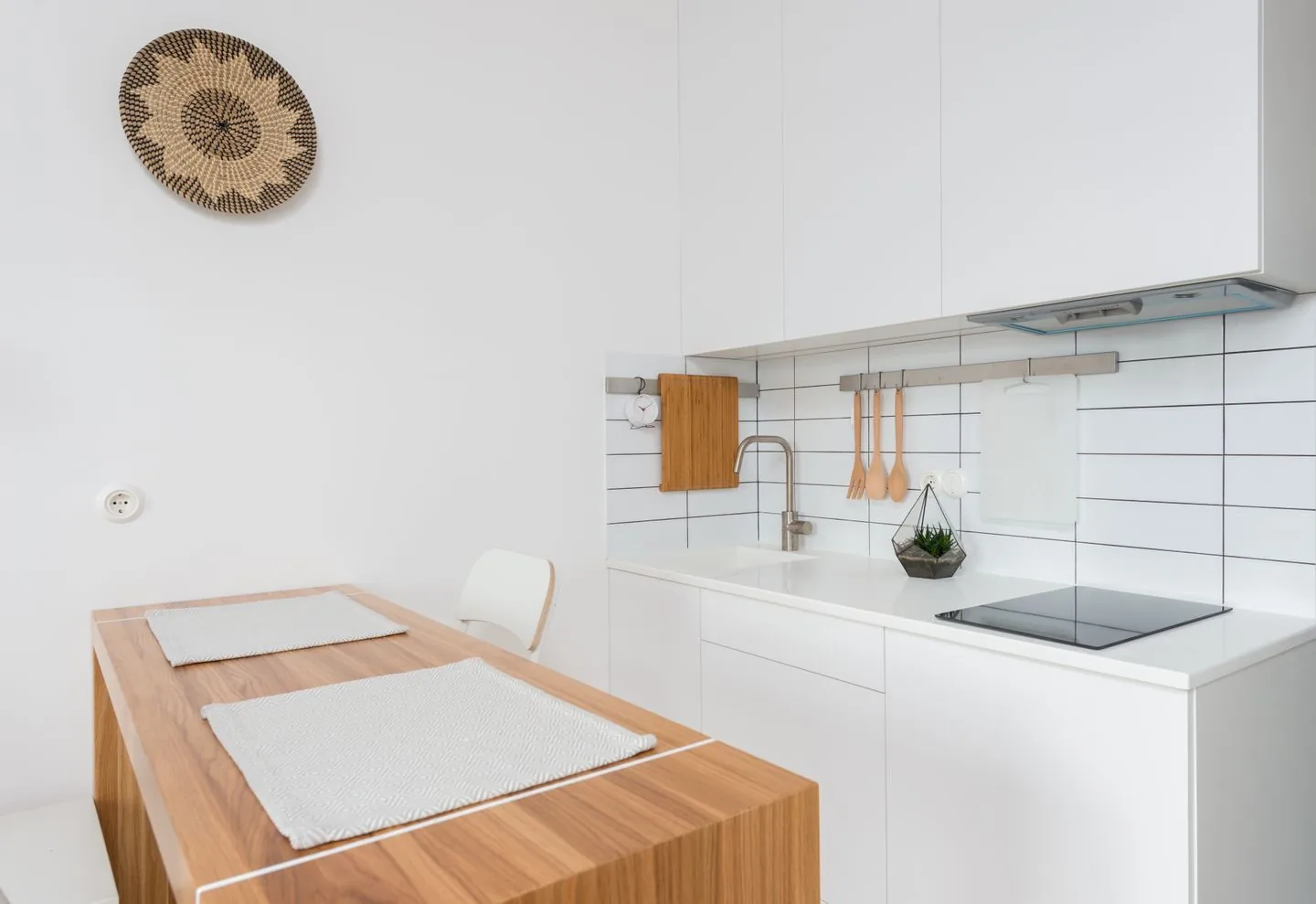
Identify what the kitchen table is missing
Leaving the kitchen table is worthwhile when a dedicated spot solves a real problem. Perhaps you are packing away equipment several times a day, struggling with glare or sharing the table during calls. Write down those difficulties before choosing a desk. Otherwise a smaller, less comfortable version of the same setup may simply move into another room.
List the equipment used together: laptop, monitor, keyboard, notebook or specialist tools. Measure their working arrangement rather than their stacked footprint. Leave room to change position and to use a mouse without balancing it on the edge. The smallest desk is not always the least intrusive if its contents spill onto neighbouring surfaces.
Assess locations through a working day
A quiet corner in the morning may become the household's busiest route in the afternoon. Consider calls, school returns, cooking and daylight changes. If several locations are possible, try working in each with a temporary setup before committing to furniture. Notice where interruptions come from and whether they can be managed realistically.
Position screens to reduce reflections, often with the window to one side rather than directly behind or in front. Check the view behind you for video calls if those are part of your routine. It does not need to look staged; a simple, reasonably uncluttered background is easier to maintain than a decorative display built for the camera.
Fit the furniture to your body
A desk and chair need to work together. Check that you can sit with feet supported, move your legs and reach the keyboard without lifting your shoulders. Screen position may need adjustment, particularly when using a laptop for long periods. Separate peripherals and a suitable screen support can make the arrangement more adaptable.
Comfort varies by person and task, so treat measurements as a starting point rather than a universal formula. If discomfort persists, seek appropriate ergonomic or health advice. For everyday planning, the useful test is whether the setup allows changes of posture instead of holding you in one cramped position for hours.
Keep support items close but contained
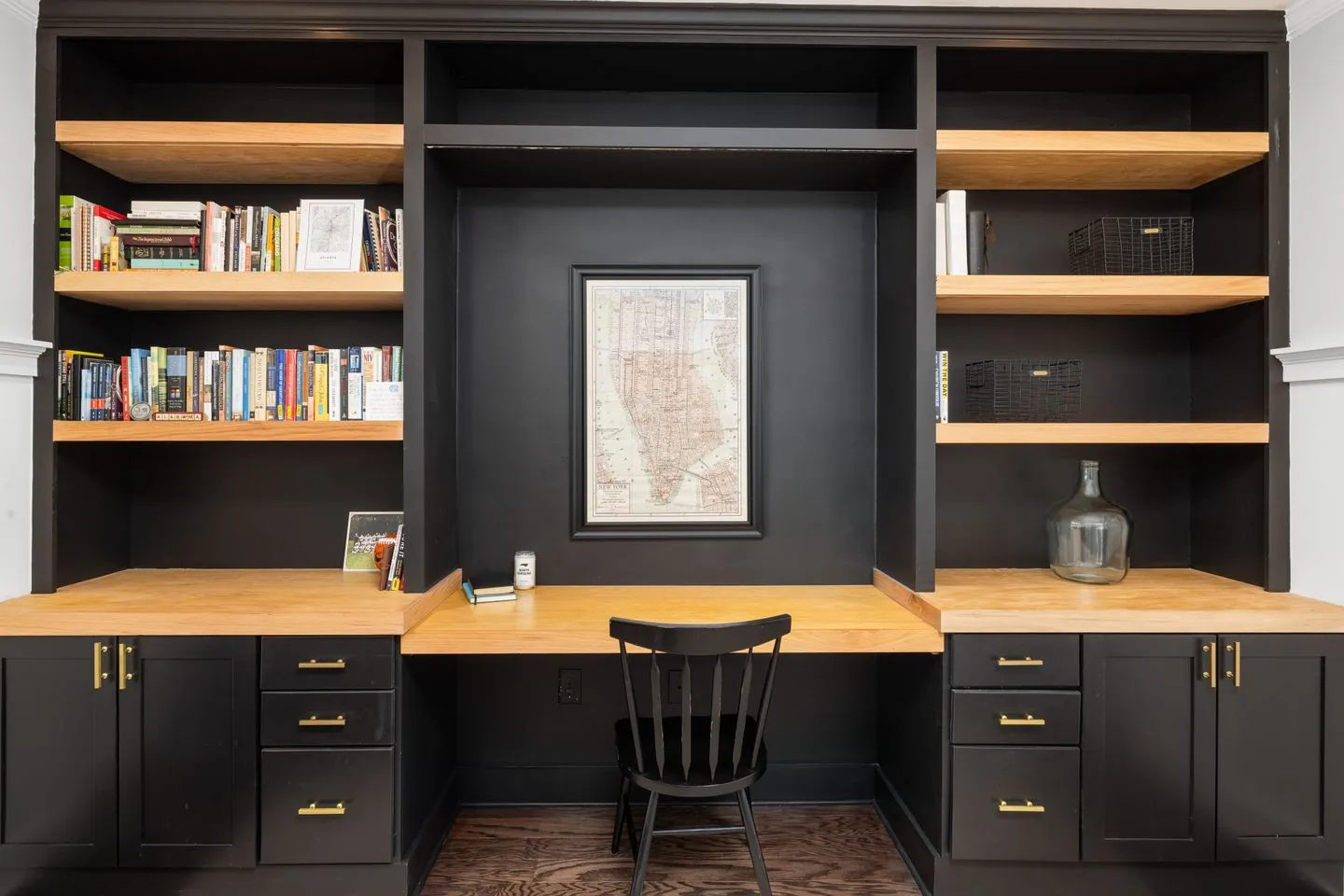
Pens, cables and papers need homes close enough to use without taking over the desk. One drawer or a compact shelf may be sufficient. Store rarely used equipment elsewhere, especially if it occupies the most comfortable reach zone. A printer used twice a month does not necessarily deserve half the daily work surface.
Plan power access before settling the furniture. Keep cables away from walking routes and follow the equipment's electrical guidance. Do not create a chain of improvised extensions to make an otherwise unsuitable corner function. A different position may be simpler and more reliable.
Give the working day an ending
A desk in a living room or bedroom remains visible after work. Use a closed drawer, a tidy cable arrangement or a simple cover for loose papers to make the transition less demanding. The point is to reduce reminders of unfinished work, not to conceal the entire desk behind a complicated daily ritual.
Choose one short closing routine: save work, clear the surface and put tomorrow's first task somewhere deliberate. Then move away from the desk. A home office earns its place when it makes work easier and lets the rest of the home resume its ordinary role when the working day is finished.
Start with the work you do, then find a position that supports it comfortably.
A Swishover guide · Practical ideas to adapt to your own home.
Spotted something we should improve?