Look through the camera you use
A home-office backdrop is a specific view of a room, not the whole room. Open your usual video-call preview and check what appears behind you when you sit normally. The camera may include an unexpectedly wide section of a shelf or cut a picture in half. Before buying anything, adjust the device position within the limits of a comfortable working setup.
Avoid sacrificing posture to get a more attractive background. The screen, keyboard and chair should remain suitable for the way you work. If the best camera angle requires sitting twisted or leaning forward, it is not a useful solution. A quieter background is worthwhile only when the desk remains comfortable for the hours spent there.
Remove visual distractions selectively
Look for the things that draw attention without contributing anything: a bright bag on a door, a leaning stack of boxes or a busy open cupboard. Move those items to proper storage rather than pushing them just outside the camera frame where they obstruct the room. If the room has several uses, create a simple place for each activity's belongings.
Protect privacy as well as appearance. Check for readable paperwork, addresses, family photographs or information on a noticeboard that you would not want visible during a call. Reflections can reveal parts of the room outside the direct view. A brief camera check after rearranging is more reliable than assuming a document is too far away to read.
Add a small amount of depth
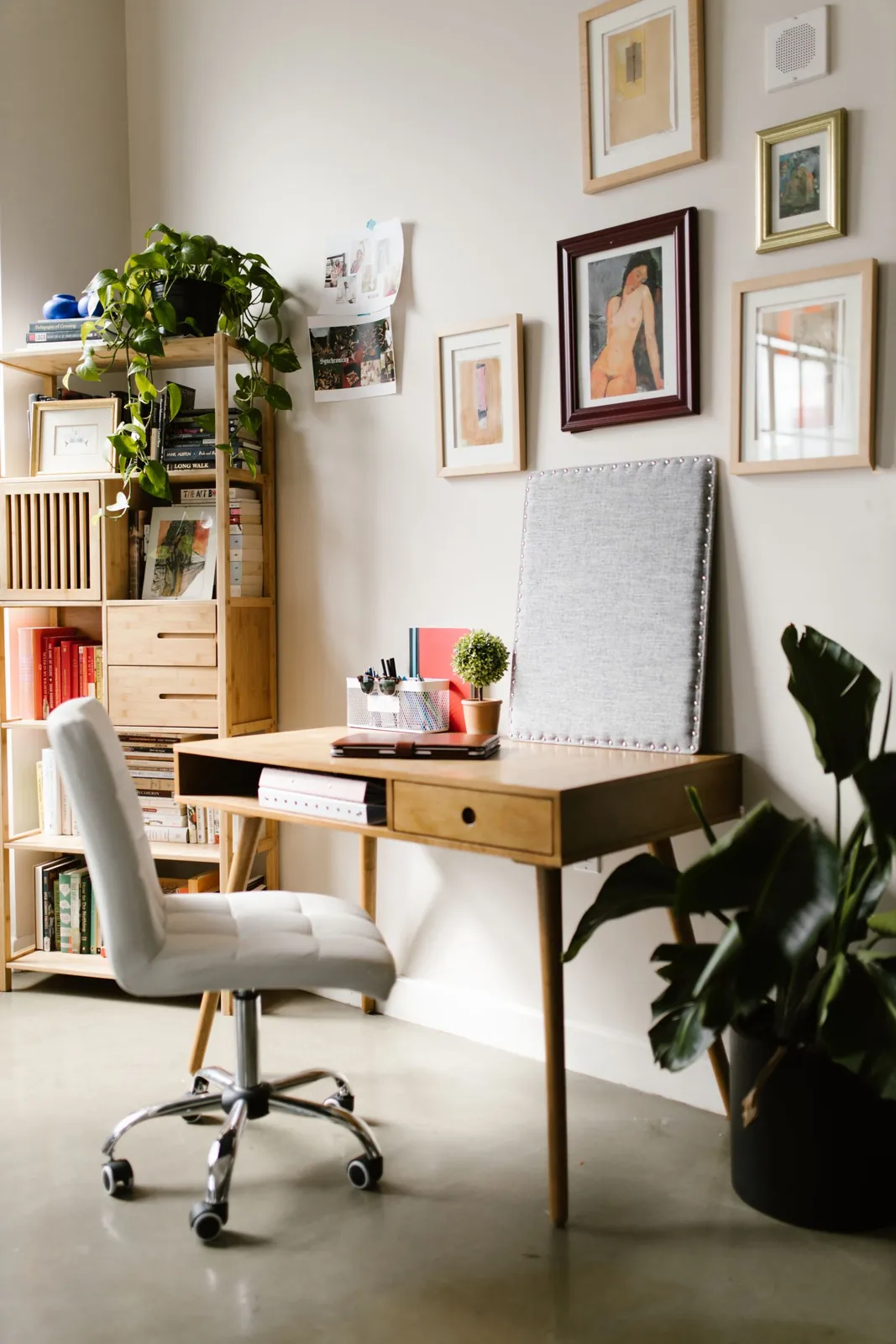
A plain wall can be perfectly suitable, especially if the room is compact. If it feels too bare, one picture or a short shelf may provide enough interest. Relate the addition to the room's existing colours and your own taste rather than constructing an artificial office set. The background will feel more natural when it also looks sensible with the computer switched off.
Keep wall fixings appropriate to the object and surface, and obtain permission where needed. Plants can add shape if the position suits their care needs, but avoid choosing a dim corner just because it appears in the frame. An unhealthy plant is more distracting than an empty space, and moving it repeatedly for calls can make care unnecessarily complicated.
Check daylight and lamps
A bright window behind you may make your face difficult to see on camera. Try a different desk or camera angle if the room allows it, while preserving comfortable screen viewing. Test at the times of day when calls normally happen. Conditions in a room can change considerably between an early meeting and a late afternoon conversation.
Use lighting that feels comfortable in person as well as on screen. Avoid glare from a lamp, exposed bulbs in the background or cables stretched across the room for a temporary setup. You may find that an existing window covering and a suitably positioned lamp provide enough control without buying specialist equipment for occasional calls.
Make the reset repeatable
Keep the backdrop simple enough to restore quickly. A shelf that requires precise styling before every meeting will become a chore, especially in a shared room. Decide which items can remain visible and where temporary papers go. Finish by checking the actual video preview once more, then leave the space ready for ordinary work rather than maintaining a permanently staged photograph.
Arrange the real workspace first, then check what the camera includes.
A Swishover guide · Practical ideas to adapt to your own home.
Spotted something we should improve?