Lay out the actual equipment
Before choosing a desk, arrange the equipment you use on an existing surface. Include the screen or laptop, keyboard, pointing device, paperwork and any task light. Notice the depth needed to place everything comfortably, rather than measuring only the width of the laptop. A compact desk can look sufficient online while leaving no space for normal hand movements.
Consider how the setup supports comfortable working posture and seek suitable ergonomic guidance where needed. The desk should work with the chair and the user, not as an isolated item. If the work involves more than occasional short sessions, it is worth testing the relationship carefully rather than relying on the product's general description as a home-office desk.
Measure the room in working mode
Mark the desk footprint and add the space used by the chair when seated and when moving away. Open nearby cupboards and doors. A desk may fit into a recess while its chair blocks the route through the room. Check the arrangement with other household activities happening, especially if it shares a bedroom or dining area.
Look at daylight and glare from the proposed position. A window can provide pleasant light but may create reflections on a screen at certain times. Try a temporary setup if possible and observe it during actual working hours. The best position combines usable light, comfortable screen viewing and access to a suitable electrical supply.
Inspect what happens below the top
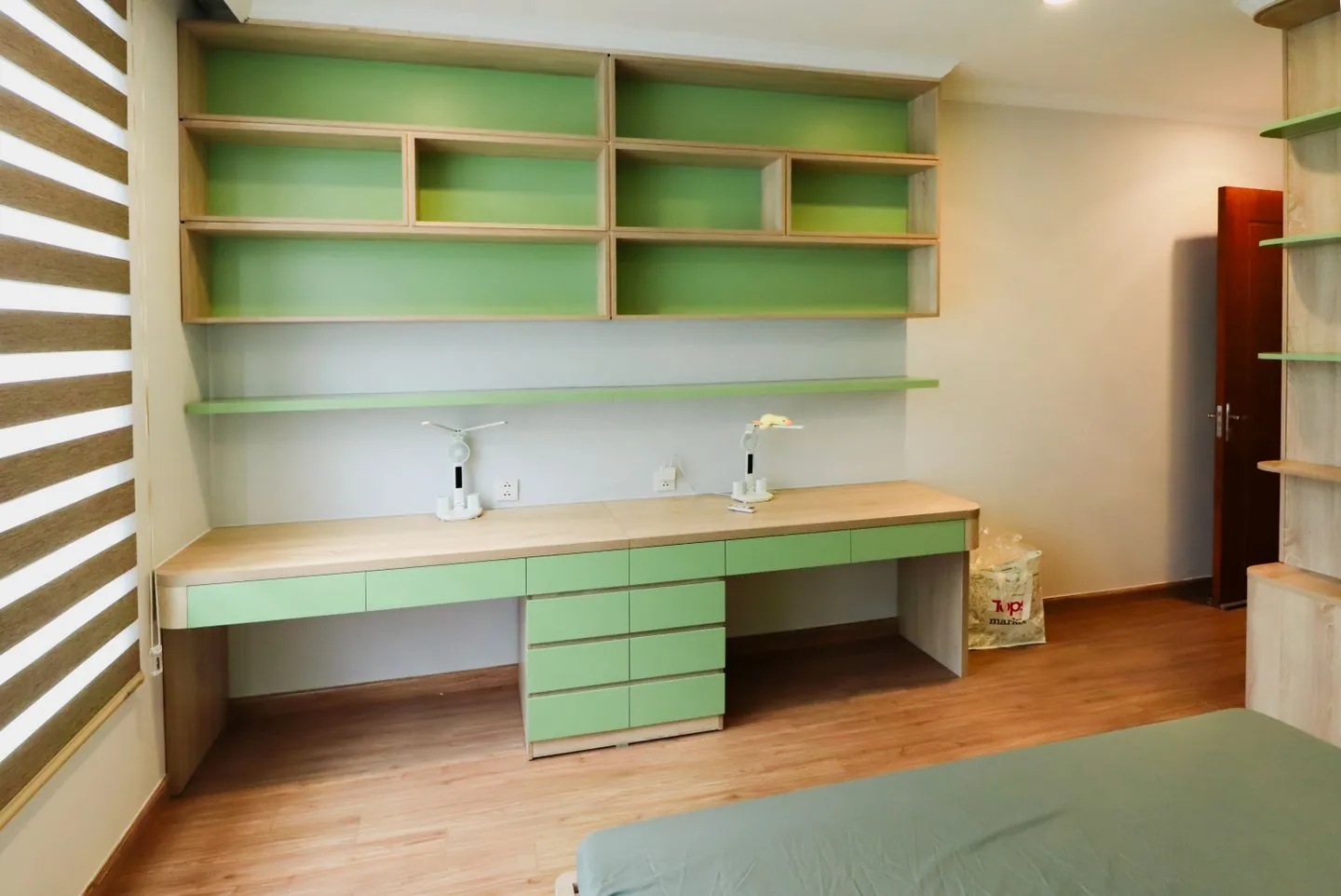
Drawers, supports and crossbars can reduce legroom. Check the clear height and width beneath the desk, including where the chair arms need to pass. A thick decorative apron may make an otherwise appealing desk uncomfortable. Product dimensions often state the overall size without showing the usable space underneath, so ask for details that are missing.
If considering an adjustable desk, check its operating range, load guidance and the space needed for movement. Equipment and cables must remain suitable throughout that movement. A desk described as adjustable does not automatically fit every user or every room. Compare its actual range and controls with the way it will be used.
Choose storage that supports the work
A drawer for frequently used stationery may be helpful; several tiny compartments may simply reduce the useful surface and legroom. Decide what needs to stay at the desk and what can live elsewhere. Open shelves can keep reference material visible, but they also require enough room to reach and clean them without disturbing the working setup.
Plan cable management as part of the purchase. Check socket locations, power requirements and safe routing without trapping leads or creating trip hazards. Built-in cable holes or trays can be useful if they suit your equipment, but their presence does not guarantee a tidy arrangement. Inspect where cables enter and leave rather than assuming they disappear automatically.
Check the surface and delivery details
The top should suit writing, using a mouse and the care you are prepared to give it. Check material information, assembly requirements and any need for anchoring. Measure the delivery route and confirm packaged sizes for larger pieces. Finally, imagine closing work for the evening: a desk that keeps essential equipment contained and leaves the rest of the room usable will usually feel better than one chosen mainly for its photograph.
Useful working depth, comfortable clearance and a sensible cable route matter more than extra decorative storage.
A Swishover guide · Practical ideas to adapt to your own home.
Spotted something we should improve?